Ready to go a little wild with your next scrapbook layout? Graphic 45 Grand Brand Ambassador Teresa Cruz aka Andor Violeta transforms our Adventure Awaits paper collection into a playful woodland scene filled with personality, dimension, and memories. Using fussy cutting, paper layering, dimensional adhesive, and die-cut embellishments, Teresa builds her scrapbook page around the photos—tucking her “wild boys” right into the trees, foliage, and forest imagery. Follow along with the scrapbook layout video tutorial and discover how a few simple paper crafting techniques can turn your favorite patterned papers into a scene that tells a story.
“Hello, Graphic 45 friends!
Teresa here, and today I’m sharing a new scrapbook layout created with the beautiful Adventure Awaits collection.
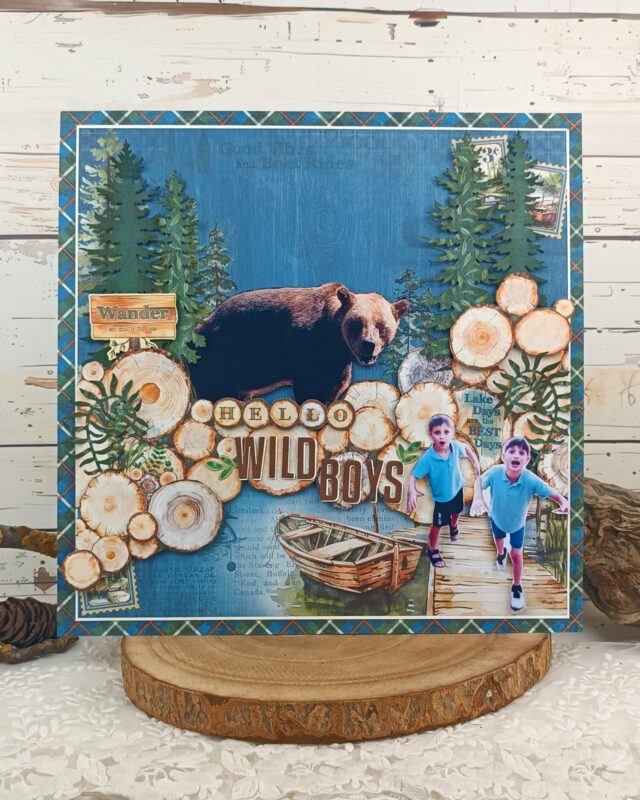
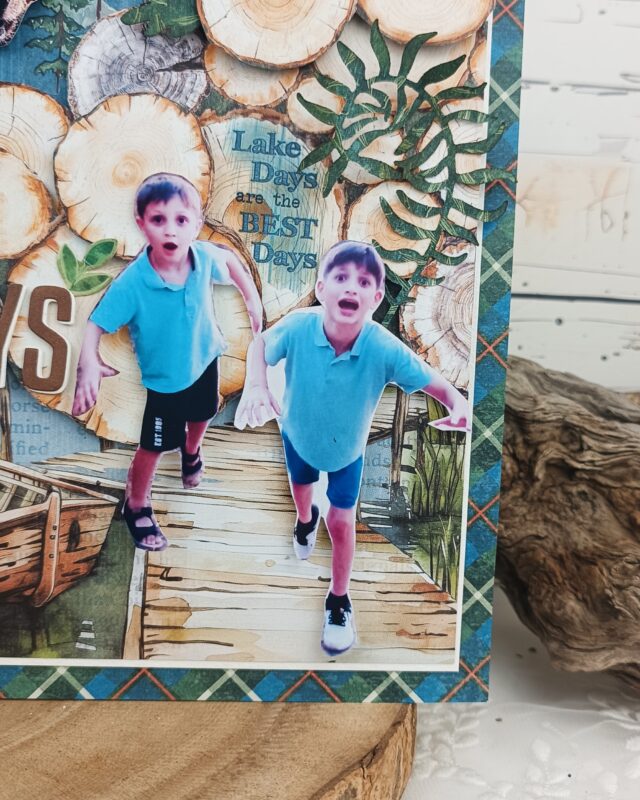
For this project, I wanted to capture one of those fun, spontaneous moments that perfectly represents childhood — full of energy, adventure and a little bit of wildness! The colors and woodland imagery from Adventure Awaits were just perfect for these photos of my boys.
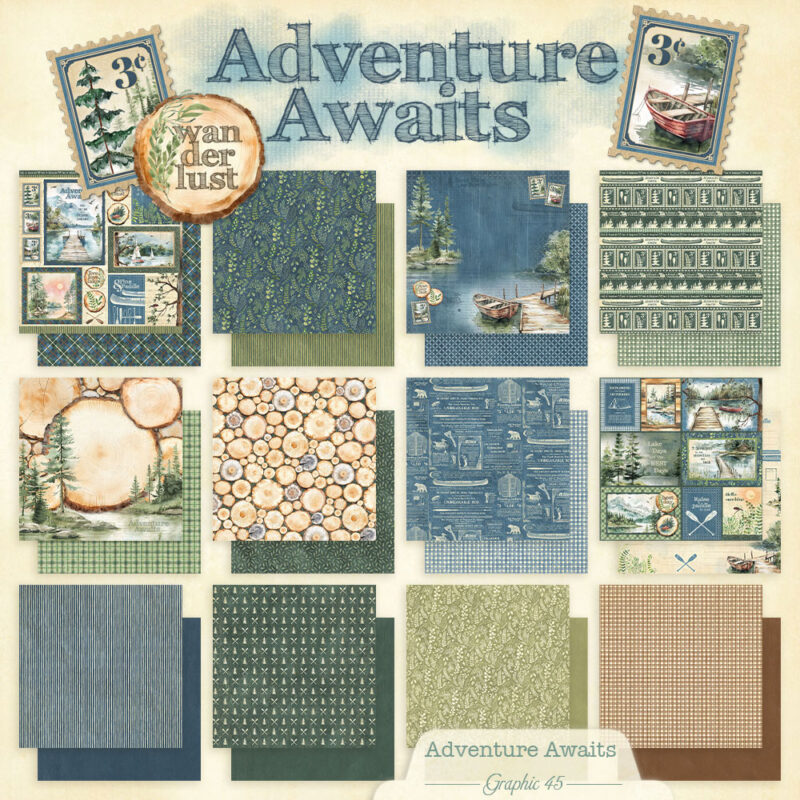
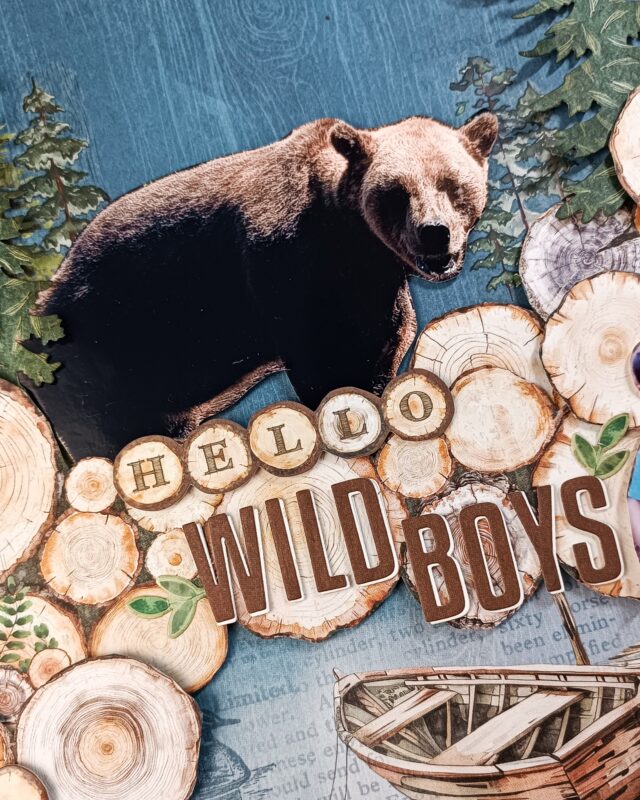
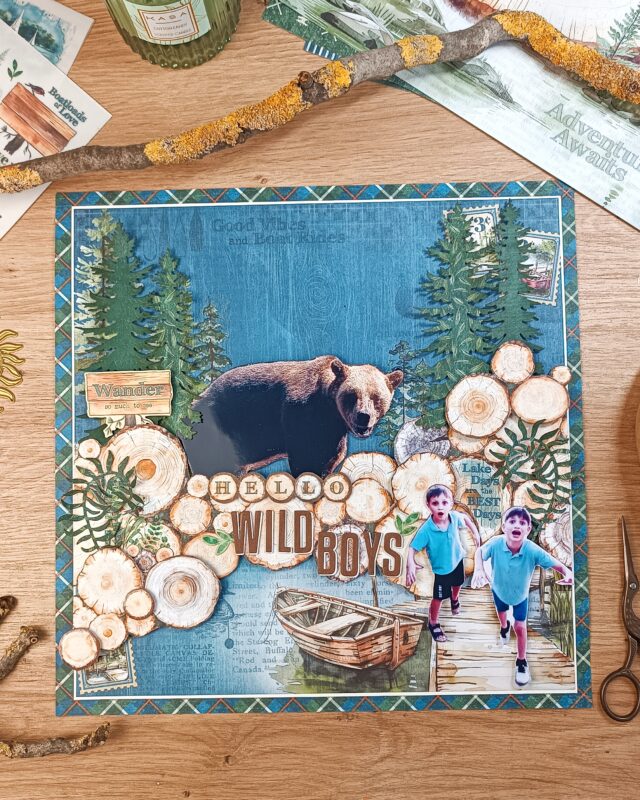
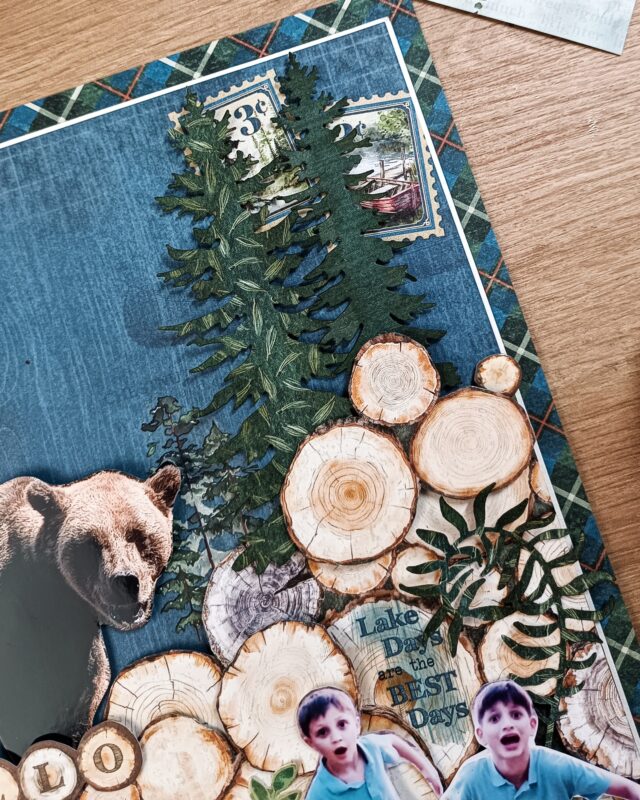
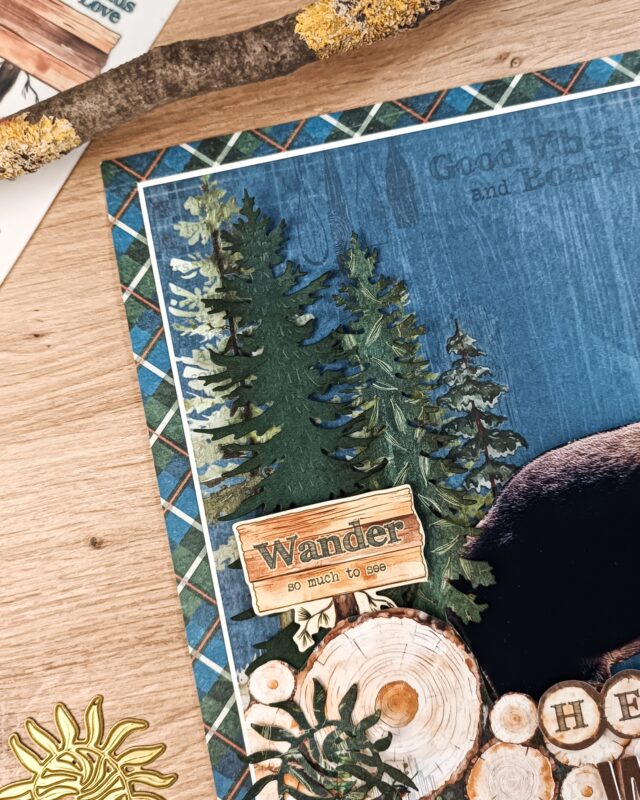
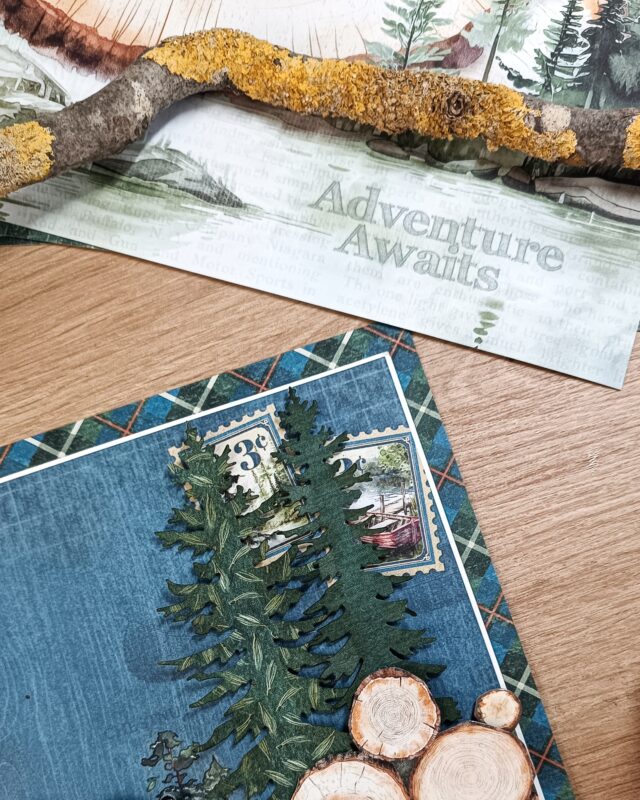
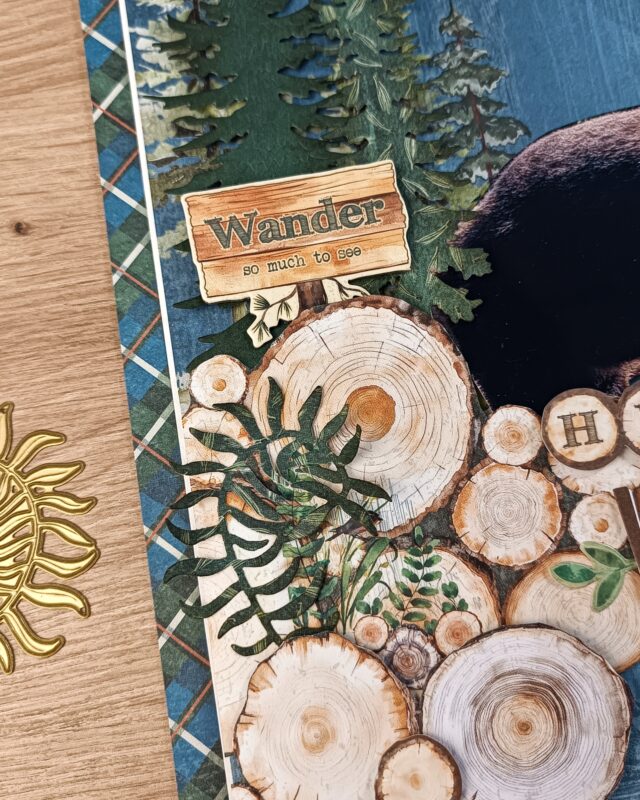
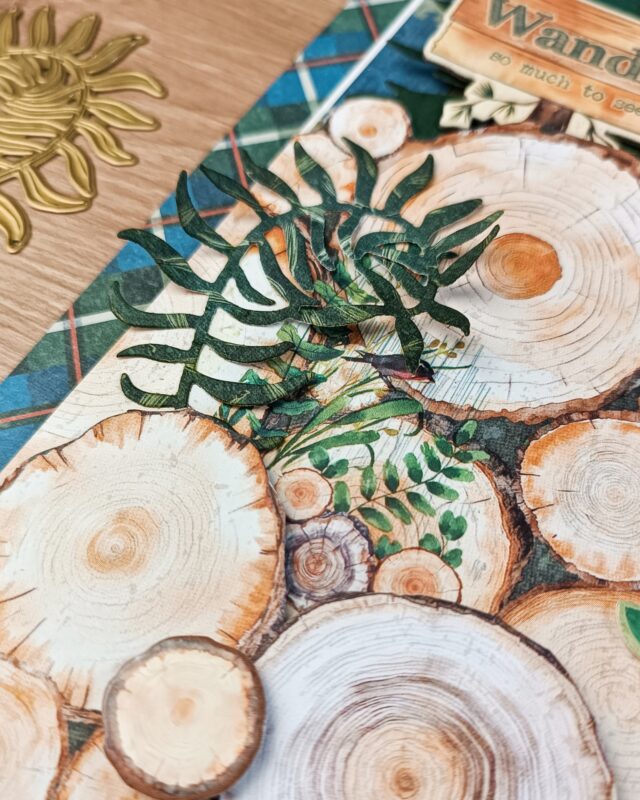
I built the composition around the large bear image and created a woodland scene using lots of fussy-cut elements from the collection. The tree trunks became one of the main decorative elements of the layout, adding dimension and helping me frame the photos.
I also layered trees, foliage and some of the smaller images around the page to create depth and the photographs were also fussy cutted to feel like they are part of the scenery rather than simply placed on top of it.
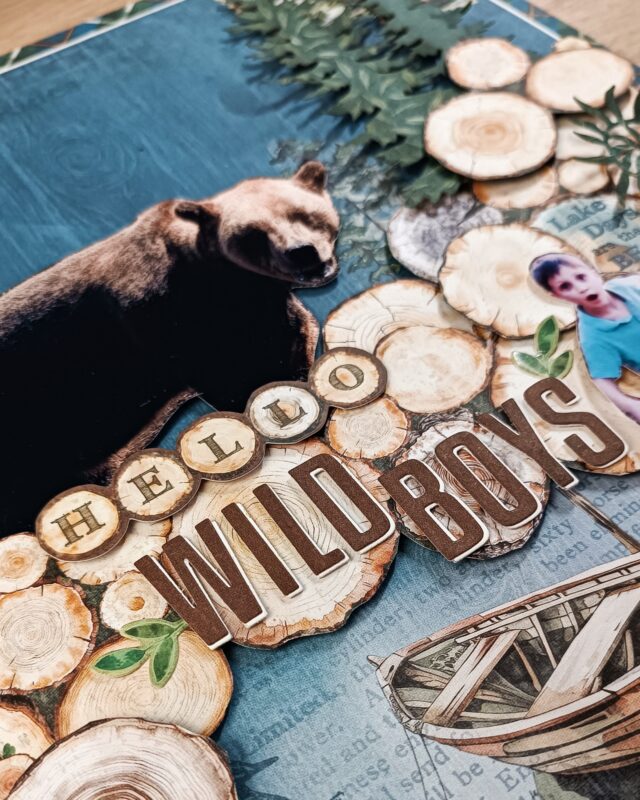
For the title, “Hello Wild Boys,” I mixed different lettering and incorporated it into the cluster of wood slices. I love how it becomes part of the composition while still drawing attention to the story behind the photos.
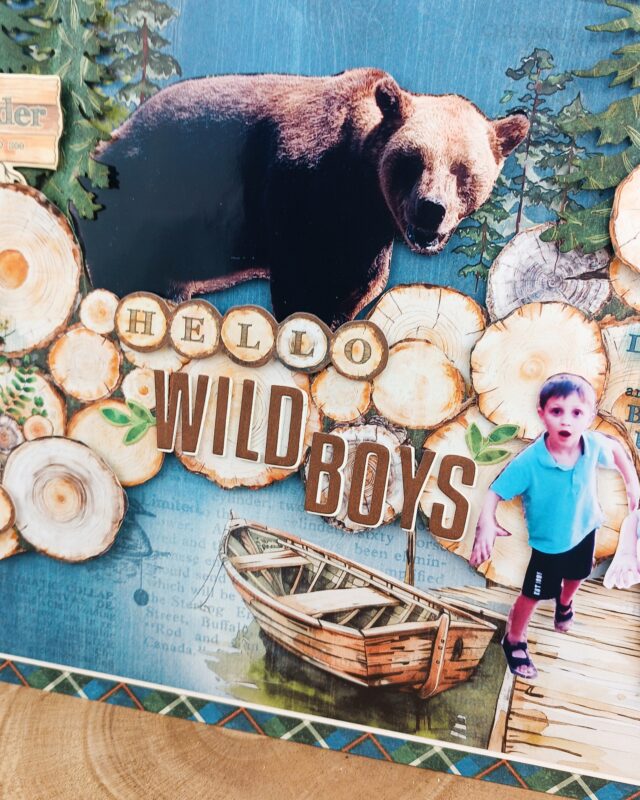
I hope this project inspires you to print some of those fun everyday photos and turn them into a page full of memories.
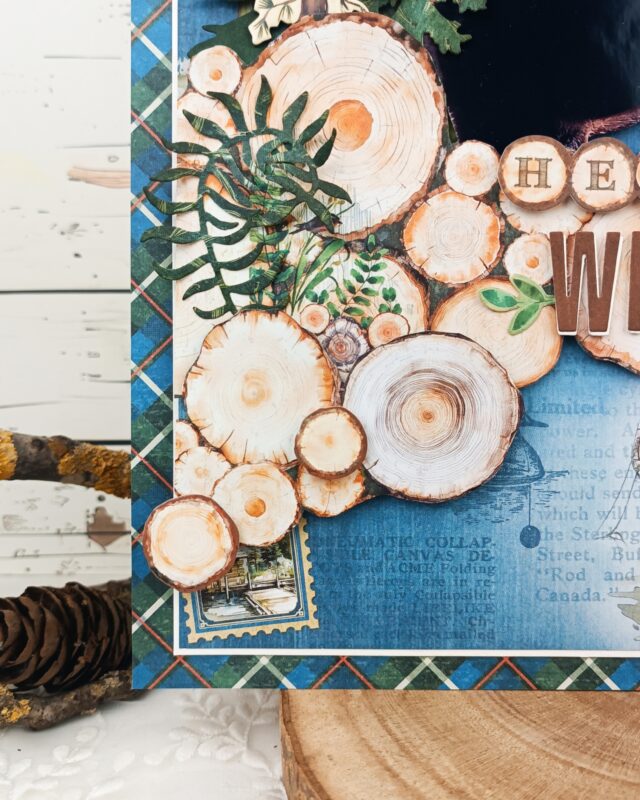
One of my favorite things about creating layouts is finding ways to use the beautiful illustrations in Graphic 45 papers beyond their original design. A little fussy cutting, layering and dimensional adhesive can completely transform a sheet of paper into your own little world.
And because I wanted you to be able to recreate some of these ideas, I also prepared a short step-by-step video tutorial showing you how I created this layout.
Fussy-Cutting & Layering Tips for Dimensional Scrapbook Layout
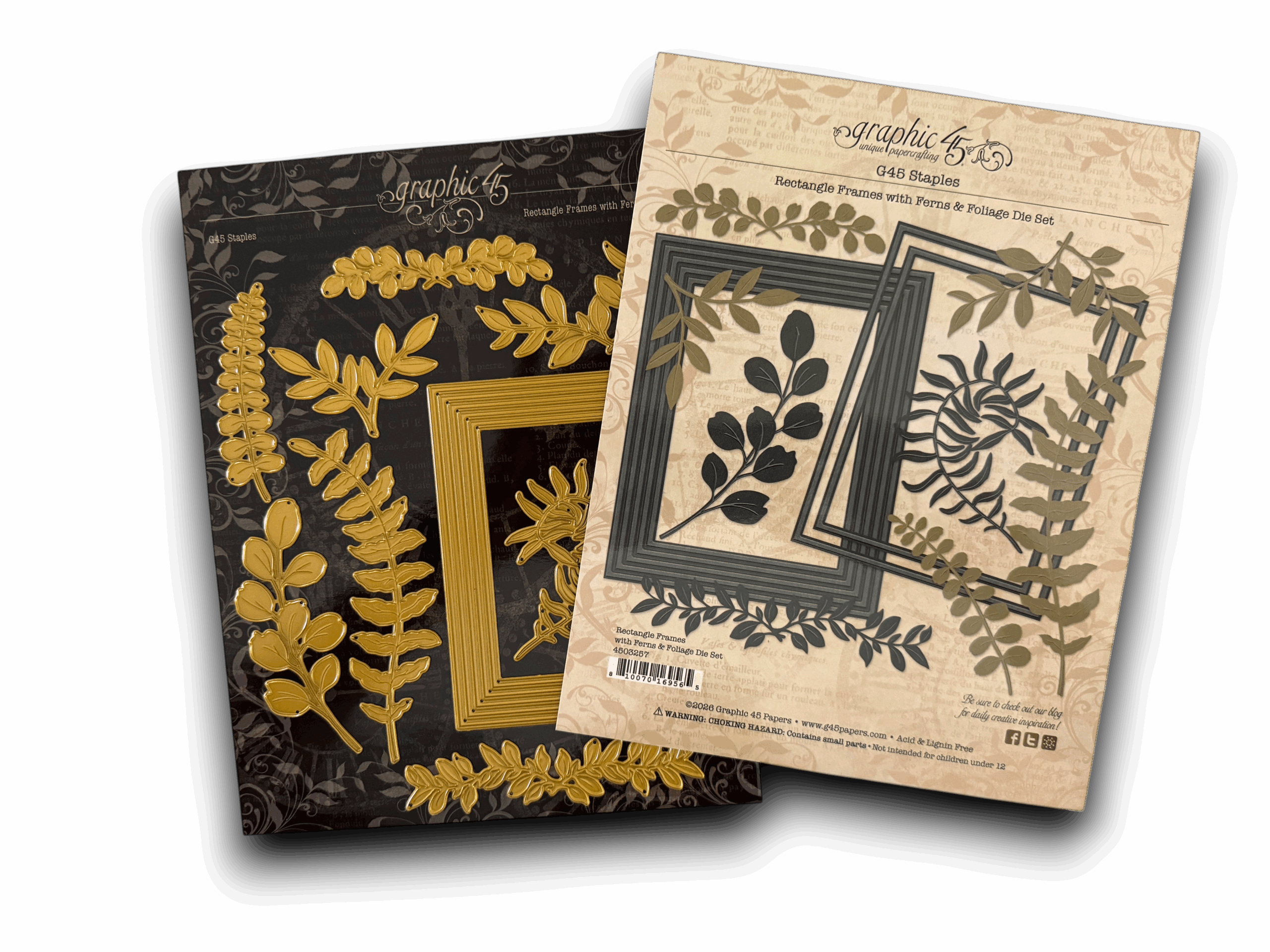
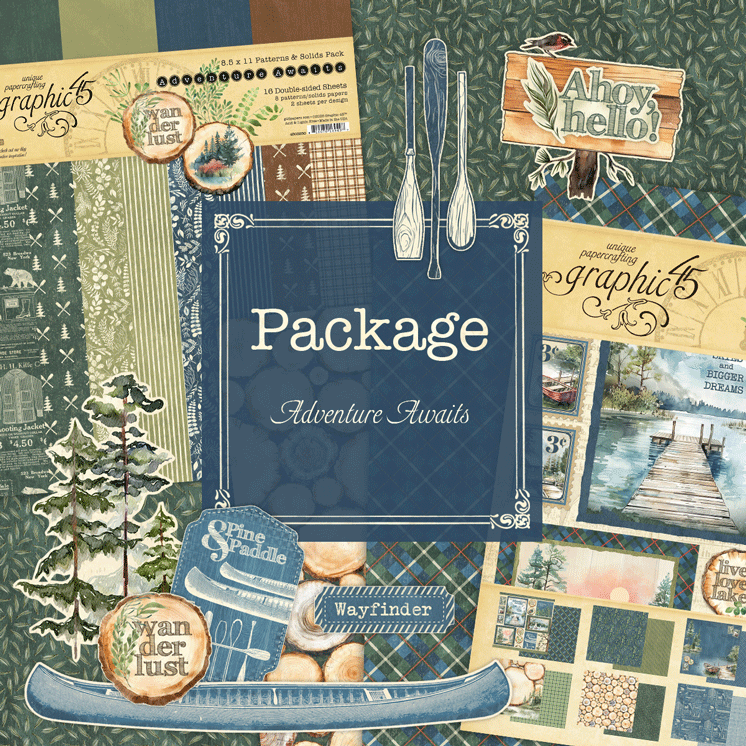
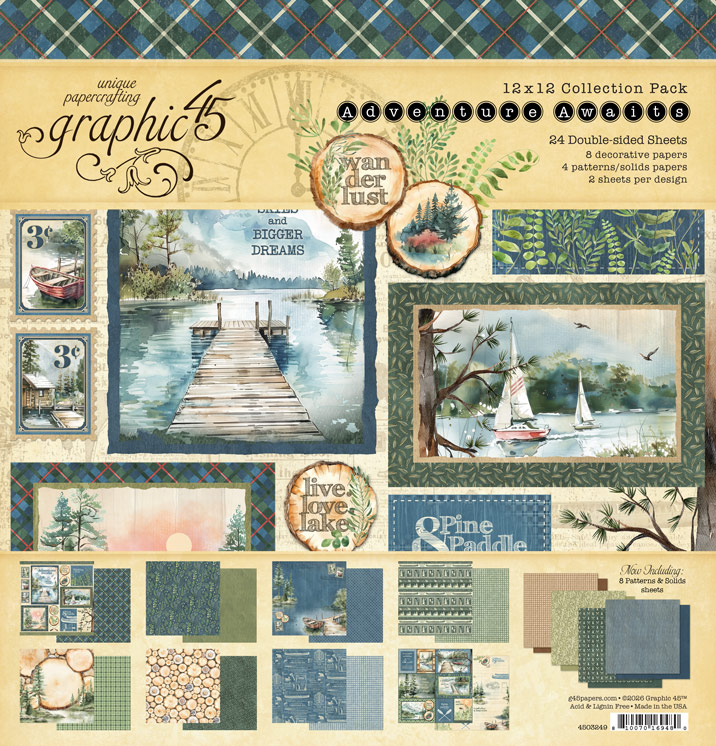
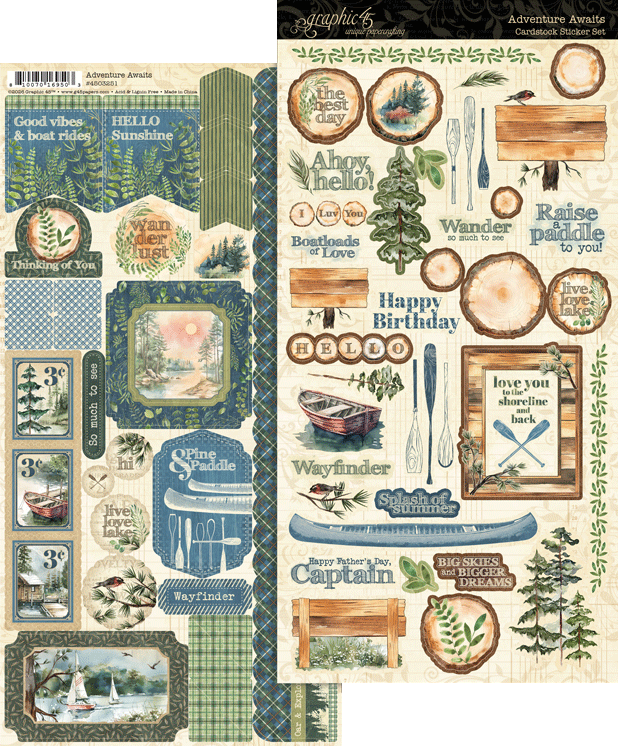
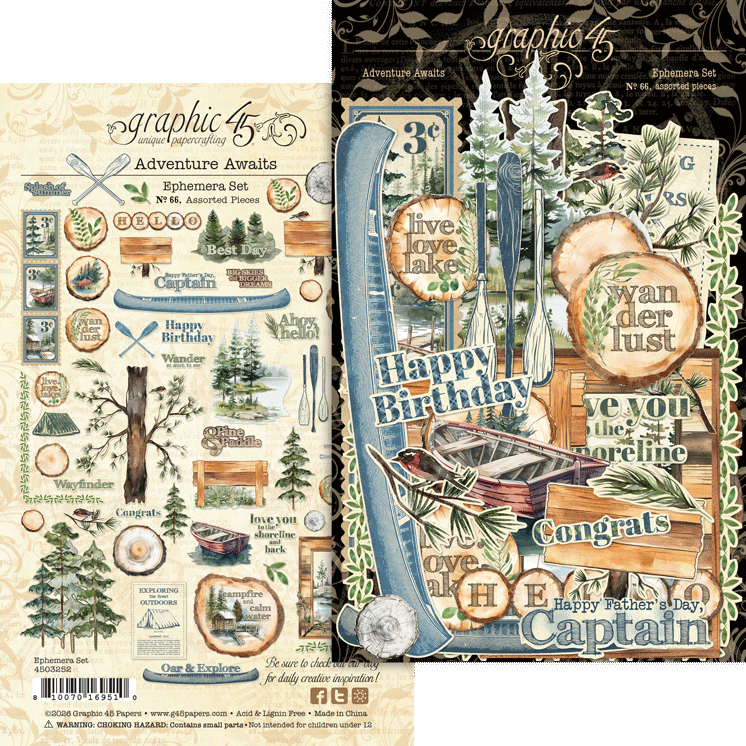
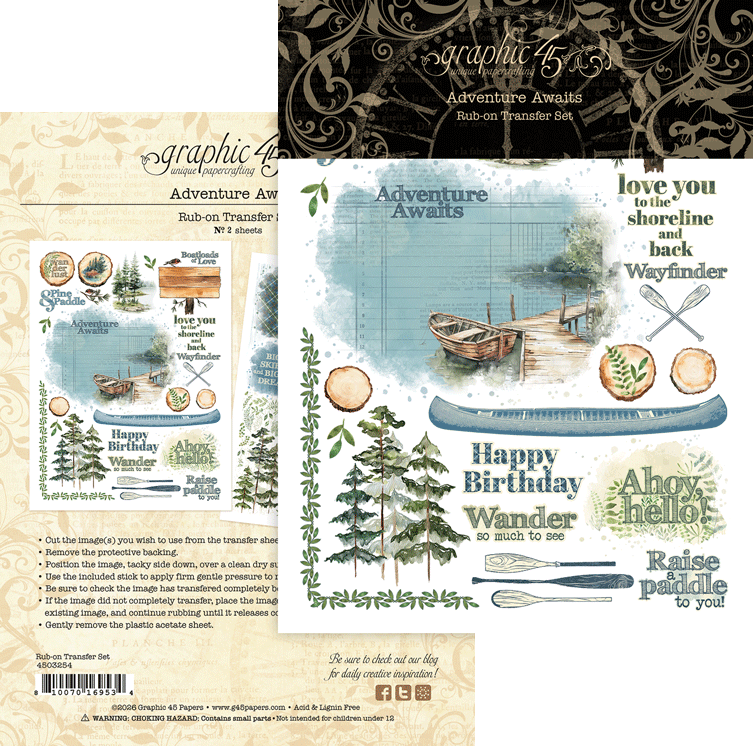
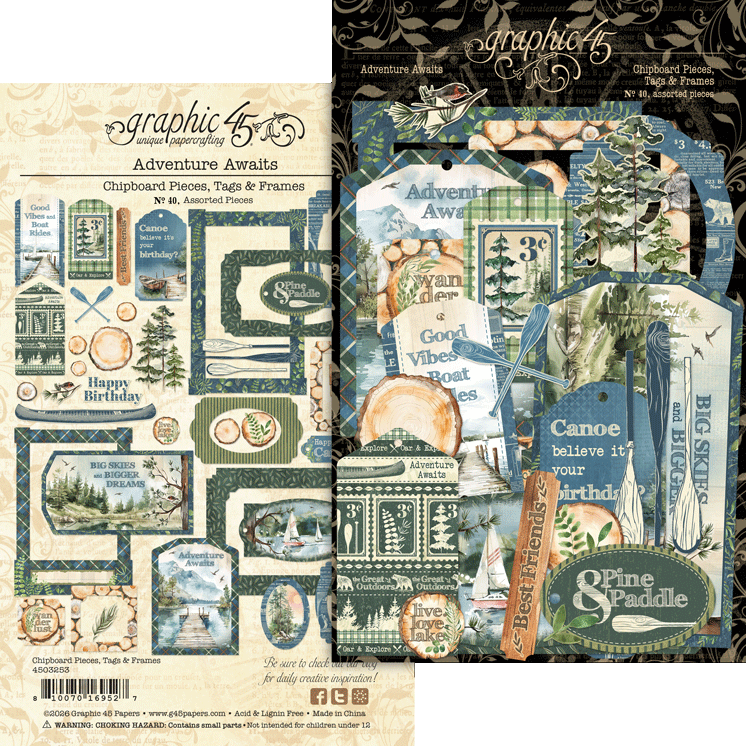
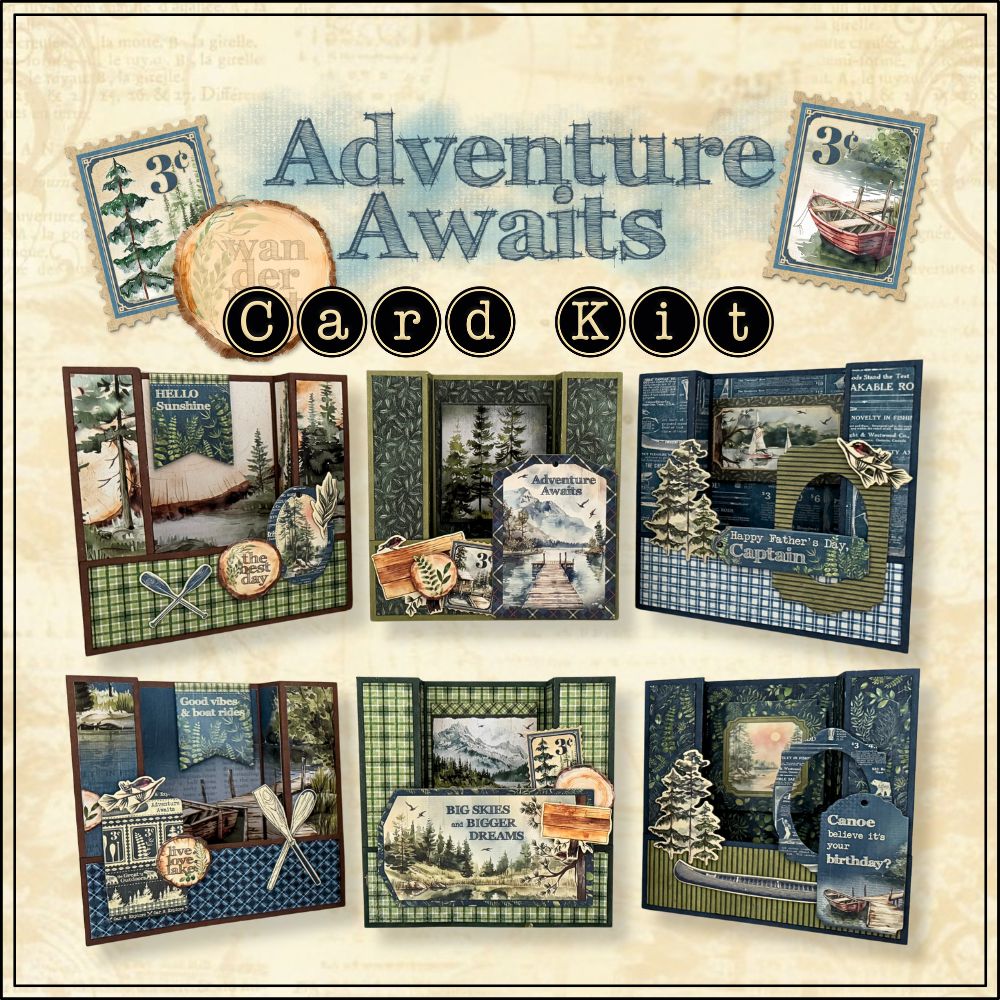
To create this project, I used this Graphic 45 products:
Thanks for stopping by, I wish you a very artistic and lovely day…
Hugs..”

Ready to turn your patterned papers into a scene of your own? Pull out those favorite photos, start fussy cutting, and let the story unfold one layer at a time. Watch Teresa’s video tutorial for the step-by-step process, then explore the Adventure Awaits collection and create your own wild adventure.